Warde / Okta
Okta access, asked for and reviewed
in ServiceNow.
Warde reads who holds each Okta group, app and admin role, so staff ask for that access in your ServiceNow portal and managers review it there. Okta stays where the access is changed: each approved grant and each removal goes to your Okta team as a ServiceNow task.
What Warde reads from Okta.
Through Okta’s management API, several times a day and whenever an administrator runs a sync.
Groups
Groups made in Okta can be requested. Groups a rule fills are read and reviewed, and marked as assigned by rule. Groups imported from Active Directory or another app arrive under their source.
Apps
Each active app with anyone assigned becomes one item, Access. A group assigned to the app counts, so its members hold the app through the group.
Admin roles
Each admin role arrives rated high risk, ready for a review schedule of its own.
Accounts matched to people
Each Okta user is matched to a ServiceNow user on an attribute you pick, such as employee number. A suspended or deactivated user’s account shows as disabled.
Changes go to your Okta team.
Once a request is approved, or a reviewer or an end date takes access away, Warde raises a ServiceNow task for the team that looks after Okta, naming the person, the access and the reason. They make the change in Okta and close the task, and the request closes with it.
Coming soon: Warde adding and removing group members and app assignments in Okta itself.
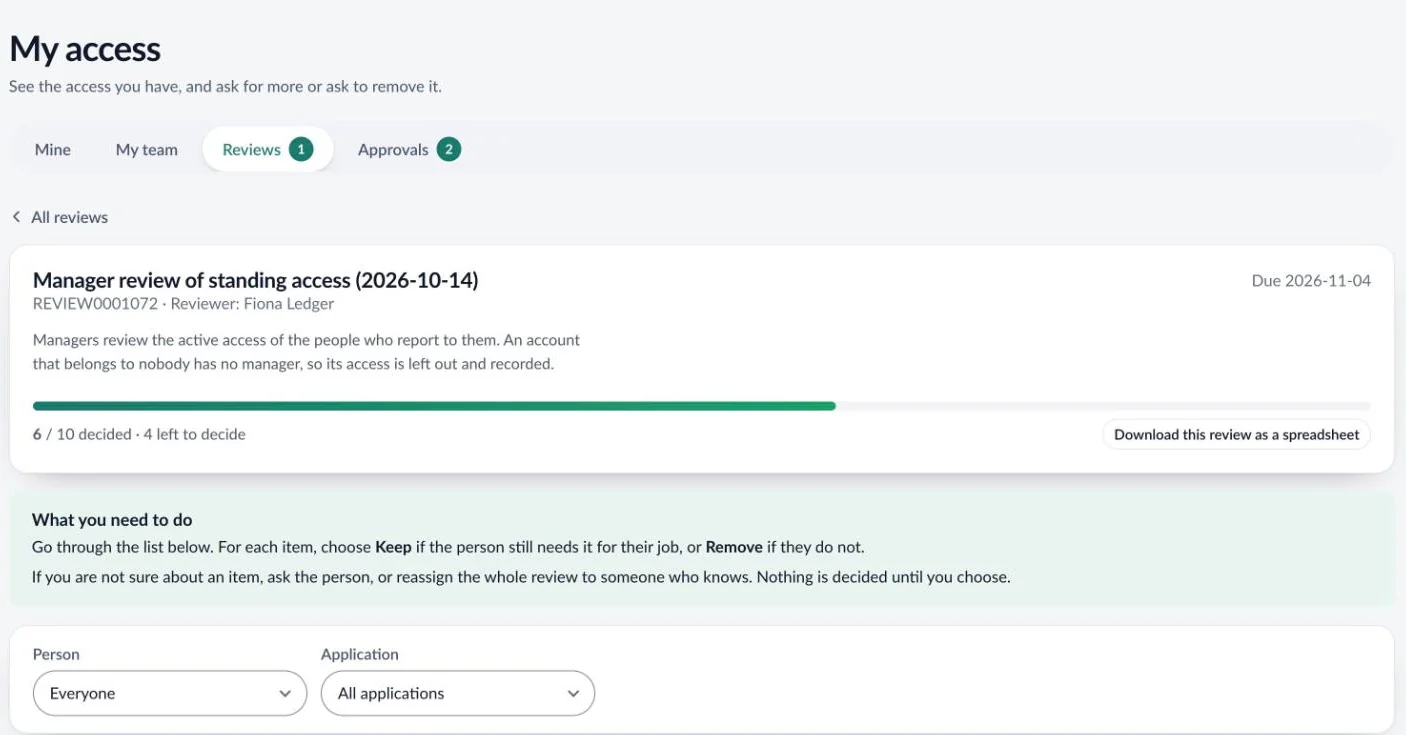
Reviews of Okta access, decided in ServiceNow.
Campaigns over Okta groups, apps and admin roles are scheduled and decided in ServiceNow, so reviewers stay in your ServiceNow portal. A take-away decision becomes a task for your Okta team, and the evidence pack keeps its own copy of every row. User access reviews
What your Okta team sets up.
01 · Okta
Service app
An API Services app with read scopes and the Read-only Administrator role, signing in with a private key.
02 · ServiceNow
Key and connection
The key goes into a JWT provider in your instance, and the org’s address onto a connection record.
03 · ServiceNow
Add the engine
Guided Setup adds the Okta engine and tests the sign-in.
04 · ServiceNow
First sync
Pick the attribute that matches an Okta user to a ServiceNow user, and run the first sync.
Questions about Okta
Do we need Okta Identity Governance?
No. Warde brings the request form, approvals, end dates and access reviews, on the Okta Workforce Identity you already have.
Does Warde change anything in Okta?
Not yet. It reads, and every grant and removal goes to a person as a task. Its service app holds read scopes and the Read-only Administrator role.
Does it need IntegrationHub or a MID Server?
No IntegrationHub and no paid ServiceNow subscription. Okta is reached from your instance, outbound only, on a key you hold.
We run Microsoft Entra as well. Can Warde connect both?
Yes. Each is an engine of its own, and groups Okta imports from Active Directory can be left out so they do not arrive twice.
More of Warde
Bring the Okta access your service desk grants by hand.
Forty-five minutes on a live instance, with no slides.
Warde is priced per user. Book a walkthrough or get in touch for a quote.