Warde / Time-bound access
Access that ends
when it should.
Warde puts an end date on access that should not last, warns the holder and their manager before it ends, and removes it through the system that granted it. Every other removal takes the same path, and reads done only once it is confirmed.
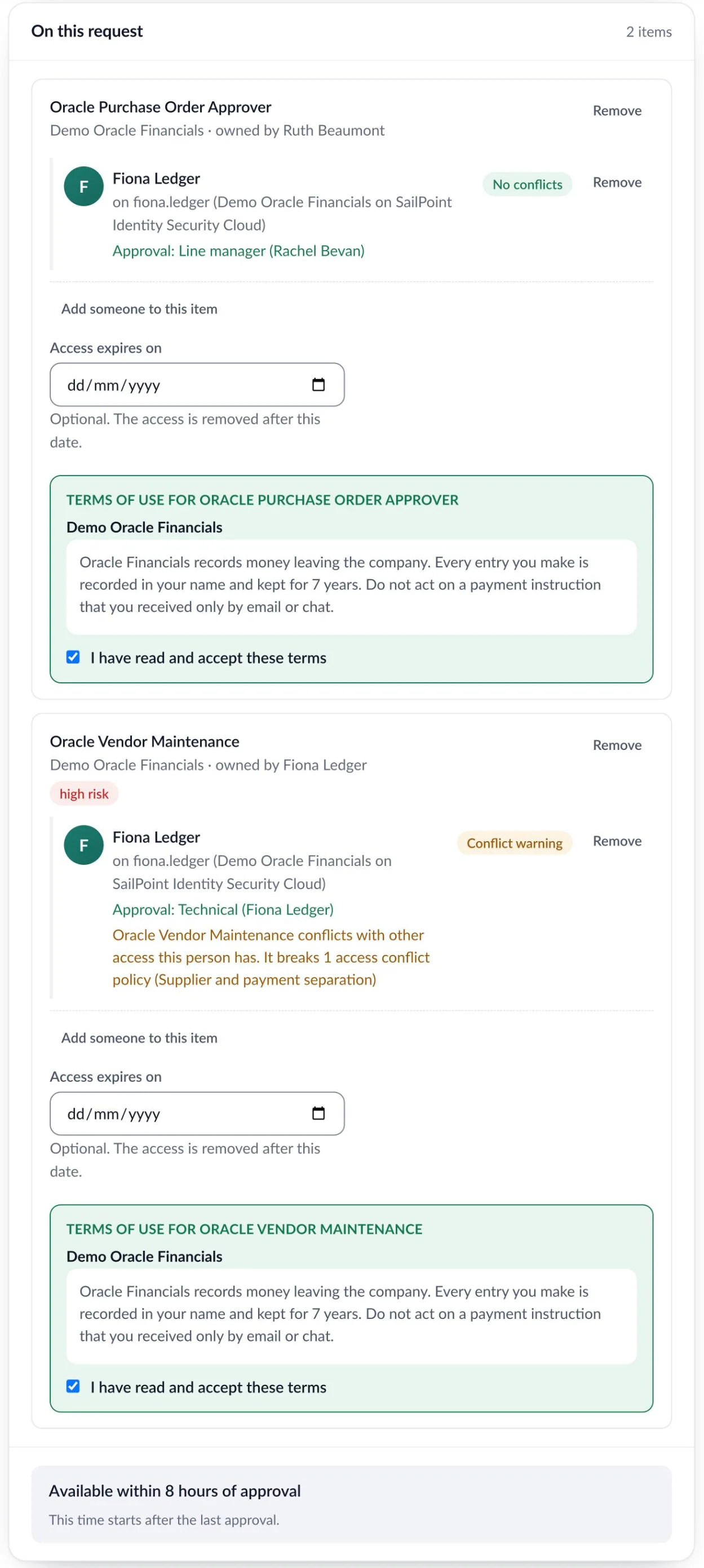
You decide which access needs an end date.
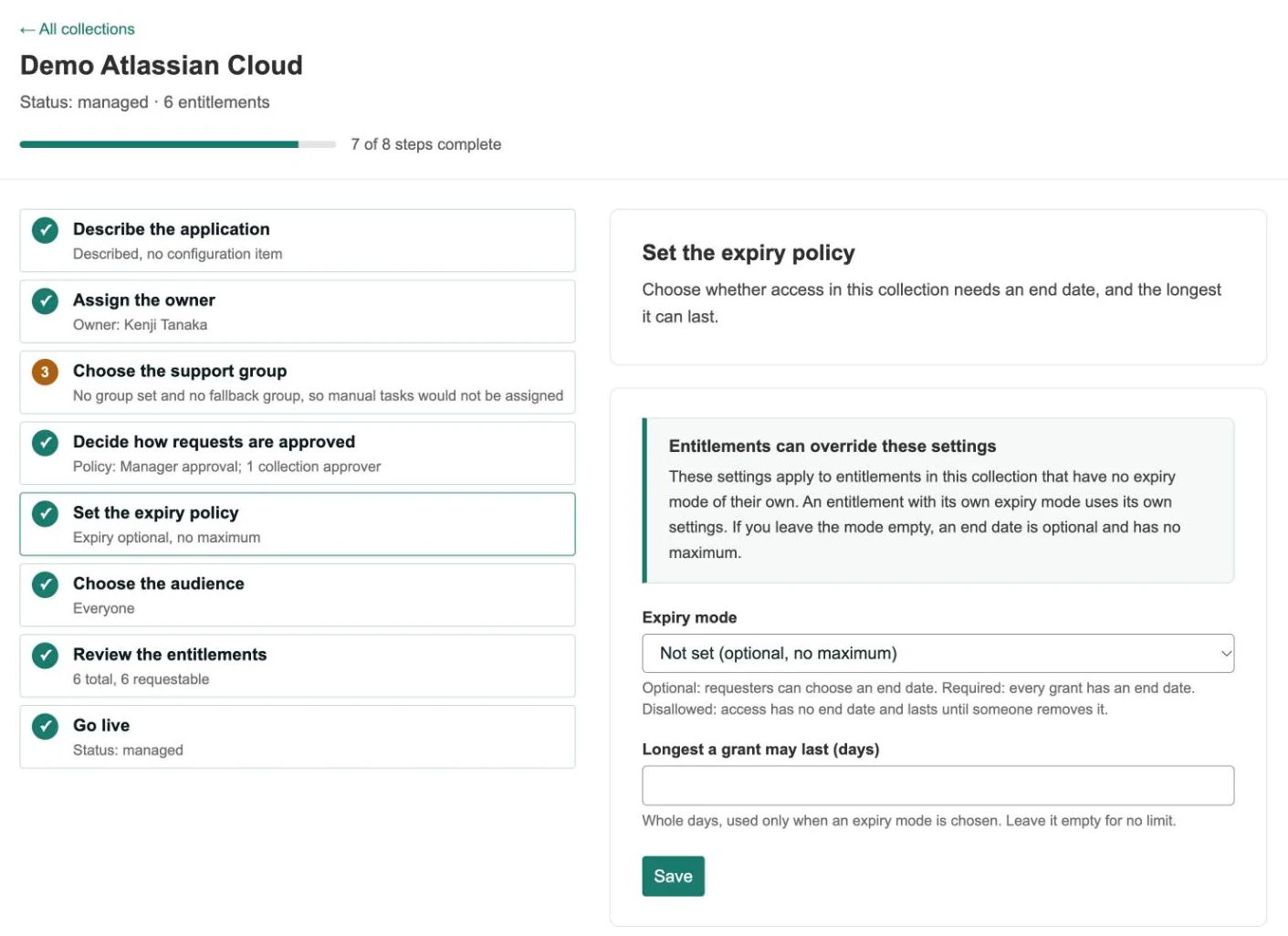
Each application gets an expiry policy when it comes on board, and any entitlement can have its own.
Optional, required or never
Optional lets the requester pick a date. Required means every grant has one. Disallowed means the access lasts until someone removes it. A longest grant, in days, caps how far ahead the date can be.
So an administrator role can need an end date in an application where ordinary access is open-ended. The form takes only a date the policy allows.
End dates that agree with your identity platform.
SailPoint Identity Security Cloud
Where ISC requires or caps an end date, the form applies the same limit before anyone approves. ISC keeps a role’s end date, and Warde keeps the rest.
Microsoft Entra
Entra keeps the end date for access packages and for Privileged Identity Management eligibility. Warde keeps it for everything else.
Changed at the source
When an ISC role’s end date or an Entra access package’s end date is changed there, Warde takes the new date, up to the longest grant you allow.
Everywhere else
For IdentityIQ, Saviynt, Okta and applications with no engine, Warde holds the end date and removes the access itself.
Warned first, then removed on time.
Nobody is asked to approve the removal, because the end date was approved with the request.
30 days
Marked expiring
My Access flags the item, with an Extend button that opens a request for more time.
14 days
The holder is told
One email lists everything of theirs due to end.
3 days
A final warning
The holder and their line manager are told it is about to go.
The day after
Removed
The nightly pass sends the removal to your identity system, or as a task to the owning team.
When someone needs more time.
- Held to the same limit
- An extension must end later than the current date, within the same expiry policy and longest grant as a new request.
- Two extensions at once
- If two extensions of the same access are open, the later date stands.
- The timings are yours
- The 30, 14 and 3 day marks are settings. Change any of them, or set an email’s days to 0 to turn it off.
- A record when you want one
- Choose whether expiry removals raise a request every time, only when a person has to do the work, or go straight to the identity system.
Four ways access is taken away, and one path for all of them.
- From My Access
- The holder or their manager presses Remove. You choose who approves: the holder, the manager, rules for each application, or nobody.
- From a review
- A take-away decision starts the removal as soon as it is confirmed, with the reviewer’s reason kept beside it.
- For a leaver
- Your HR system or identity platform calls Warde, and everything the person holds through Warde is removed with no approval.
- At the end date
- The nightly pass removes it, after the holder and their manager were warned.
Removed means removed.
Done when the system says so
A removal reads done when the identity system confirms it, or the owning team closes its task complete. A task closed any other way does not count.
Nothing fails quietly
If a system refuses or cannot be reached, Warde retries, then parks the work for your IAM team. Access is never shown as removed before it is.
Questions about time-bound access
When exactly is expired access removed?
An end date runs to the end of that day in the holder’s time zone. The nightly pass removes it at the first run after that.
Can someone keep access past its end date?
Yes, by asking. Extend on My Access opens the request form with the item filled in, and the extension is approved like any request.
How do we handle privileged access?
Set administrator roles to need an end date, with the longest grant you allow. They then always carry one, and cannot go in an access bundle.
Does it work for applications with no identity engine?
Yes. The removal goes as a task to the owning team, and counts only when the task is closed complete.
Does temporary access take away what it replaces?
No. When new access would replace something the person holds, an end date on the new access leaves the old access in place.
What happens to a removal if the identity system is down?
It is raised on its date and held until the system is back. If it is late by then, it raises an overdue task.
More of Warde
Bring the access that should have ended last quarter.
We’ll show you the warning, the removal and the record it leaves, on a live instance.
Warde is priced per user. Book a walkthrough or get in touch for a quote.